

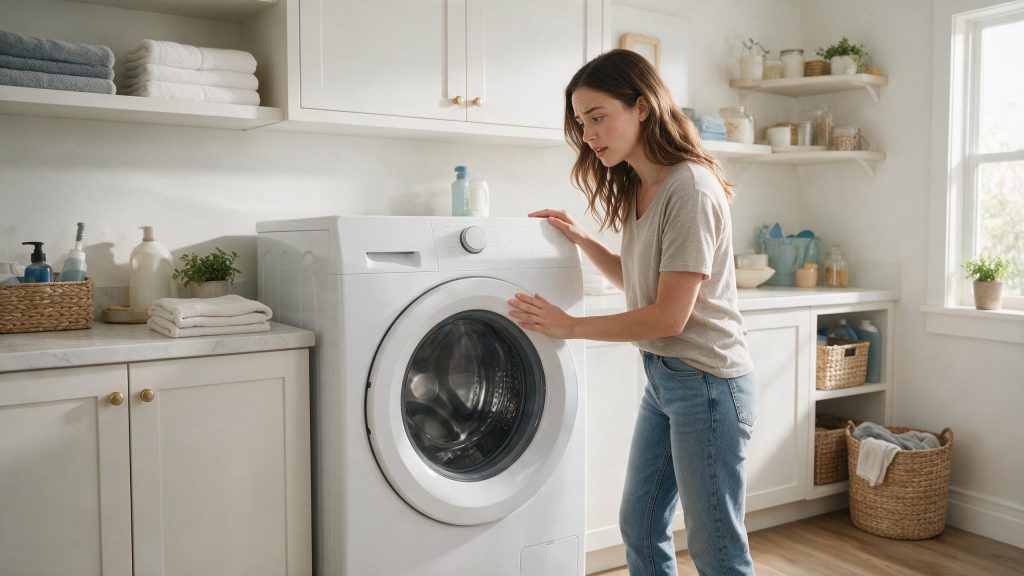

A washer that will not start most often comes down to a setting or a condition rather than a failed part: the Start command was not registered, a delay or pause is active, the door is not closed, or power is missing. Work through those four in order, then book a diagnosis if the washer still does nothing.
Electrolux Washer Not Starting
If the washer display is on but nothing happens when you expect the cycle to begin, first rule out operating conditions. Electrolux support points to the Start command, delay start, pause stages, and proper setup before deeper diagnosis.
Start with the checks you can perform from outside the appliance. If the symptom is tied to water, heat, gas, electricity, or moving parts, stop when the condition becomes unsafe rather than repeatedly testing the appliance. The exact diagnostic path can vary by model, so keep the full model number available.
| Symptom | What it can point to | What you can check |
|---|---|---|
| Display lit, nothing happens after pressing Start | Start press not recognized, a delay start, or a paused cycle | Press Start with a bare fingertip, cancel any delay, look for a flashing light by Start/Pause |
| Door message on the display | Something trapped between the door and the gasket | Press cancel, remove the item, close the door firmly and start again |
| Display completely dark | Loose plug, tripped breaker or blown fuse | Check the plug seating and the household breaker or fuse |
| Starts, then stops and waits | Water not entering, or a motor that paused to cool | Confirm both water faucets are open; allow time before restarting |
Confirm the Start Command
One of the first possibilities is Start not engaged as required. Make your cycle selections and press Start according to the model instructions. This is useful because it rules out a condition that can imitate a component problem without requiring disassembly.
Check Delay Start and Pause Conditions
Next, consider delay start or pause condition. Cancel any unintended delay start setting. Look for a clear change in behavior rather than making several adjustments at the same time.
Touch Controls and the Start Press
Many Electrolux front-load washers use a touch Start button. The use-and-care manual for one model lists a touch Start press that is not recognized among the reasons a washer does not start, and suggests pressing with a bare fingertip. A flashing light beside Start/Pause usually means the washer is paused rather than broken, so pressing it again resumes the cycle.
Make Sure the Door Can Lock
Another common branch is door not closing or locking. Open and close the door firmly and remove clothing caught in the opening. If the symptom began immediately after installation, cleaning, a power event, or moving the appliance, that timing is especially useful.
Verify Power and Setup
Do not overlook power interruption. Confirm the washer has power and the breaker is not tripped. If that check is normal, the remaining causes move farther toward internal components or controls.
Water, Faucets and Motor Cool-Down
The same manual lists closed water faucets alongside the plug, fuse or breaker, and an open door as reasons a washer does not start. If the water is off, the washer cannot begin its fill and may sit idle. It also says the motor stops if it overheats and restarts automatically after a cool-down of up to about 30 minutes, as long as the washer was not switched off manually.
If a lit display, an open door check, open faucets and good power all check out and the washer still will not respond, the door lock, control or motor circuit needs testing that cannot be done from outside the cabinet.
Common Questions
Why does my Electrolux washer have a lit display but will not start?
Light on the display means the control has power, nothing more. The cycle may be waiting on a delay setting, a paused state, an open door or a Start press that was not registered, so check those before suspecting the control.
Can a clothing item stop the washer from starting?
Yes. Something caught between the door and the gasket can keep the door from closing and locking, and the washer will not begin until it does.
Does a washer that restarts by itself mean there is a fault?
Not necessarily. A motor that paused because it overheated is described in the manual of one model as restarting on its own after cooling. A washer that repeatedly stops without a clear reason is worth a diagnosis.
Safe Troubleshooting Checklist
- Make your cycle selections and press Start according to the model instructions.
- Cancel any unintended delay start setting.
- Open and close the door firmly and remove clothing caught in the opening.
- Confirm the washer has power and the breaker is not tripped.
- If the washer has been idle on the selection screen for a long time, start the selections again.
- Start not engaged as required.
- Delay start or pause condition.
- Door not closing or locking.
- Power interruption.
- Door lock, control, water-supply, or motor system problem.
- Electrolux Washer Repair
- Electrolux Washer Error Codes
- Electrolux Front Load Washer Leaking Water: Safe Checks by Leak Location
- Electrolux Washer Draining Slowly: Drain Hose and Standpipe Checks
- Electrolux Washer Leak Repair Cost: Hose, Door, Drain, or Internal?
- Electrolux Washer Draining Slowly: A Step-by-Step Drain Check
- Electrolux Washer Is Loud or Vibrating: When the Movement Becomes a Safety Risk
Common Causes to Keep in Mind
Read the Pattern Before You Guess the Part
The same outward symptom can come from more than one cause. Useful evidence includes what still works, what changed first, whether the problem is constant or intermittent, and whether the issue affects one function or the whole appliance.
Start with owner-accessible conditions and the exact model number. Parts should follow diagnosis, not replace it.
When the Washer Needs Service
Stop if the door will not unlock normally, the breaker trips, or the washer makes a hard electrical or mechanical sound when trying to start. If the washer still will not start with normal power, settings, and door closure, book washer repair. The door lock, control, water-fill circuit, or motor system may need model-specific testing. The goal is not to guess at parts; it is to rule out the safe, visible causes and preserve the symptoms that matter for diagnosis.
What to Tell the Technician
Provide the full model number, when the symptom started, whether it happens every cycle or only under certain conditions, and any display message or error code you have seen. Mention recent installation work, power outages, plumbing changes, filter changes, or unusual noises. Those details help separate a setup issue from a component or control problem.
FAQ
Can an Electrolux washer turn itself off before I press Start?
Electrolux notes that some washers can time out after sitting without a Start command, requiring you to make the selections again.
Can delay start make the washer look broken?
Yes. A delayed cycle will wait until the selected start time.
What if the door does not lock?
A washer generally will not begin normal tumbling if the control cannot confirm the door is safely locked.
Related Electrolux Repair Resources
Similar Articles
Keep reading
Similar articles
Electrolux Microwave Has No Power: Breaker, Outlet, and Reset Checks
When an Electrolux microwave shows nothing on the display and the interior light stays dark, the problem is almost always upstream of the microwave:…
Electrolux Dryer Won’t Start: Door, Start Control, and Power Checks
When an Electrolux dryer will not start, the cause is often in the starting sequence: a door that is not fully closed, a touch…
Electrolux Dishwasher Not Starting: Door, Power, Water, and Control Checks
A dishwasher that will not start most often has a simple cause: delay start or a child lock is active, the door is not…
Book a repair
Tell us what’s wrong — we’ll take it from there
Share a few details and we’ll confirm an appointment. Prefer to talk? Call us and we’ll help right away.
Address
We operate in California, Florida, New York, and Texas.
Phone
(844) 917-2115
Hours
Mon–Fri 8:00 AM – 6:00 PM · Sat 9:00 AM – 2:00 PM
Service area
We currently serve the Miami, New York, Houston, Los Angeles and San Diego metro areas, including many surrounding communities.
Response time
Same-day and next-day appointments are often available — confirm with your ZIP code.
Directions
View on map
Request your repair
Fields marked with * are required.