


Guide
Electrolux Dishwasher Cleaning Performance: Filter, Loading, and Spray Care
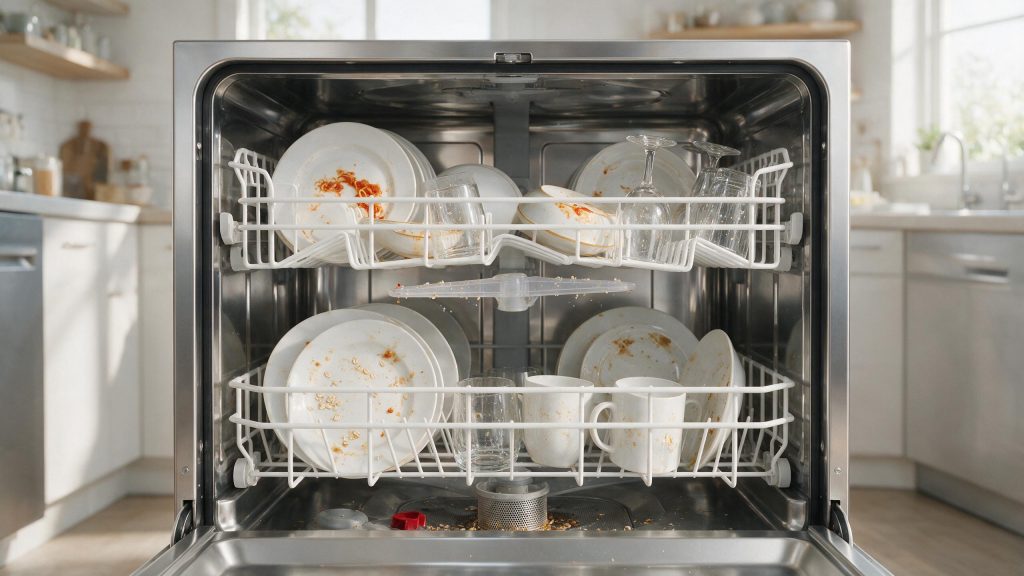
Cloudy glasses and food left on plates usually trace back to the filters, spray arms, detergent and loading rather than a failed pump. Clean both filters, make sure nothing blocks the spray arms or the detergent dispenser, use fresh detergent in the recommended amount, and then run the next cycle before deciding anything is broken.
Electrolux Dishwasher Not Cleaning Dishes
Cloudy glasses, food left on plates, and detergent residue do not automatically point to a failed wash pump. Cleaning performance depends on water movement, detergent delivery, loading, temperature, and how clean the filter and spray system are.
Start with the checks you can perform from outside the appliance. If the symptom is tied to water, heat, gas, electricity, or moving parts, stop when the condition becomes unsafe rather than repeatedly testing the appliance. The exact diagnostic path can vary by model, so keep the full model number available.
| Symptom | What it can point to | What you can check |
|---|---|---|
| Food left on dishes | Blocked spray path, nested items, or a clogged filter | Turn the spray arms by hand, space items, clean both filters |
| Cloudy film on glasses | Hard water, detergent amount, or rinse-aid supply | Check detergent freshness and the rinse-aid dispenser |
| Detergent left in the dispenser | Dishware blocking the dispenser lid | Reload so the lid opens fully |
| Gritty residue | Coarse or fine filter packed with debris | Rinse the filters; use a soft brush on the fine filter |
Clean the Filter and Glass Trap
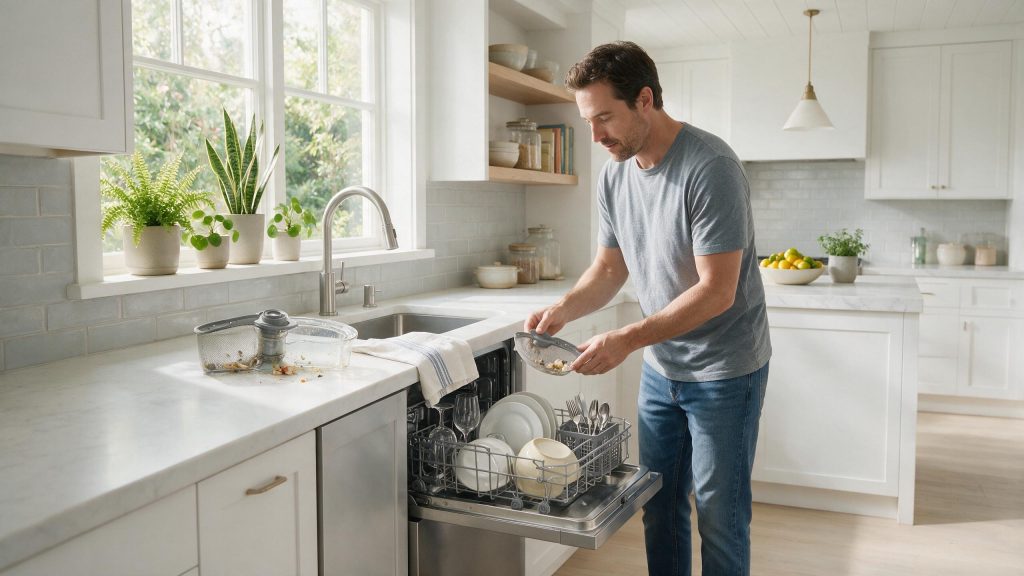
One of the first possibilities is filter or glass trap loaded with food debris. Clean the filter and glass trap using the model’s care instructions. This is useful because it rules out a condition that can imitate a component problem without requiring disassembly.
Inspect the Spray Arms
Next, consider blocked spray-arm openings. Inspect user-accessible spray-arm openings for food debris. Look for a clear change in behavior rather than making several adjustments at the same time.
Why Loading Affects Cleaning
The use-and-care manual for one Electrolux built-in dishwasher says nothing may protrude through the rack bottoms where it could block the spray arm, and that spray arm rotation can be checked by turning it by hand. It also recommends mixing silverware up and down so pieces do not nest, since nested pieces keep water from reaching all surfaces. A tall item that stops an arm will leave a clear dirty stripe across the same part of every load.
Use the Right Amount of Detergent
Another common branch is detergent amount or type not suited to the load. Use dishwasher detergent and do not exceed dispenser fill guidance. If the symptom began immediately after installation, cleaning, a power event, or moving the appliance, that timing is especially useful.
Review Loading and Dispenser Clearance
Do not overlook dishware blocking the dispenser or spray path. Load dishes so they do not prevent the spray arms from turning or block the detergent dispenser. If that check is normal, the remaining causes move farther toward internal components or controls.
Detergent, Temperature and Water Hardness
For food left on dishes, the manual for one model suggests a longer cycle or HI TEMP, fresh detergent, and checking water hardness, noting that very hard water may need a softener. Incoming water should be at least 120 F, so running the hot tap first helps. Old detergent loses cleaning strength, which can look like a washing fault.
If filters are clean, arms spin freely, loading is clear, fresh detergent is used and results stay poor, the wash motor, water heating or control may be at fault and needs a model-specific check.
Common Questions
Do I need to clean both filters?
The manual for one Electrolux model describes a coarse filter and a cylinder-shaped fine filter that collects broken glass, bones and pits. Both are meant to be cleaned for wash performance, so rinse the two and reseat the fine filter until it clicks.
How can I tell if a spray arm is blocked?
Turn it by hand and see whether it moves freely, and look for items sticking through the rack bottom. Debris in the openings is another cause, which the filters help prevent.
Does hard water make dishes look dirty?
It can. The manual for one model lists water hardness among the checks when food or film remains, and mentions that very hard water may need a softener.
Safe Troubleshooting Checklist
- Clean the filter and glass trap using the model’s care instructions.
- Inspect user-accessible spray-arm openings for food debris.
- Use dishwasher detergent and do not exceed dispenser fill guidance.
- Load dishes so they do not prevent the spray arms from turning or block the detergent dispenser.
- Run hot water at the sink before starting if your owner guide recommends it for best performance.
- Filter or glass trap loaded with food debris.
- Blocked spray-arm openings.
- Detergent amount or type not suited to the load.
- Dishware blocking the dispenser or spray path.
- Wash motor, water-heating, valve, or control issue.
- Electrolux Dishwasher Repair
- Electrolux Dishwasher Error Codes
- Electrolux Dishwasher Not Draining: Check the Filter, Hose, and Installation
- Electrolux Dishwasher Not Drying: Rinse Aid, Cycle, and Water Temperature Checks
- Electrolux Dishwasher Not Draining: A Step-by-Step Drain-Path Check
- Electrolux Dishwasher Drying Performance: Rinse Aid, Loading, and Cycle Care
- Electrolux Dishwasher Not Starting: Door, Power, Water, and Control Checks
Common Causes to Keep in Mind
Maintenance That Helps Prevent a Repeat
For this dishwasher issue, maintenance is useful when it preserves clean airflow or water flow, correct sealing and loading, clean user-accessible filters or surfaces, and stable operating conditions.
Use the exact Electrolux model instructions for removable filters, detergent, rinse aid, seals, spray components, water filters, lint systems, and cleaning methods. If the symptom returns after correct care, move to diagnosis rather than more aggressive cleaning or repeated resets.
Keep a short maintenance record: what was cleaned or adjusted, whether performance improved, and how quickly the issue returned.
When Poor Cleaning Needs Repair
Stop if the dishwasher makes abnormal motor noises, leaks, or repeatedly stops with an error. If dishes remain dirty after the filter, spray arms, loading, and detergent checks, schedule dishwasher repair. A technician can verify water fill, circulation, heating, and control operation. That gives the technician a cleaner starting point and reduces time spent recreating basic operating conditions.
What to Tell the Technician
Provide the full model number, when the symptom started, whether it happens every cycle or only under certain conditions, and any display message or error code you have seen. Mention recent installation work, power outages, plumbing changes, filter changes, or unusual noises. Those details help separate a setup issue from a component or control problem.
FAQ
Can a dirty filter reduce cleaning performance?
Yes. Electrolux notes that debris can collect in the filter, glass trap, and spray arms.
Can loading block the detergent dispenser?
Yes. Large items can interfere with the dispenser door or spray pattern.
Should I add more detergent if dishes are dirty?
Not automatically. Too much detergent can create its own problems; use the recommended amount for your load and water conditions.
Related Electrolux Repair Resources
Similar Articles
Keep reading
Similar articles
Electrolux Washer Suds Prevention: Detergent Amount, Water, and Cycle Care
Too many suds in an Electrolux front-load washer usually trace back to detergent: the wrong type, too much, or a heavy build-up of old…
Electrolux Dishwasher Odor Prevention: Filter, Drain, and Cleaning Routine
A dishwasher odor usually traces back to trapped food, residue in the filters or the tub, or water that does not drain fully, so…
Electrolux Dishwasher Drying Performance: Rinse Aid, Loading, and Cycle Care
Dishes that come out wet usually trace back to the cycle and the supplies rather than the heater: a drying option that was not…
Book a repair
Tell us what’s wrong — we’ll take it from there
Share a few details and we’ll confirm an appointment. Prefer to talk? Call us and we’ll help right away.
Address
We operate in California, Florida, New York, and Texas.
Phone
(844) 917-2115
Hours
Mon–Fri 8:00 AM – 6:00 PM · Sat 9:00 AM – 2:00 PM
Service area
We currently serve the Miami, New York, Houston, Los Angeles and San Diego metro areas, including many surrounding communities.
Response time
Same-day and next-day appointments are often available — confirm with your ZIP code.
Directions
View on map
Request your repair
Fields marked with * are required.